Your pages change when you deploy. deploydiff can now be told when
deploydiff now has an API: the step that deploys can start the capture, wait for its comparisons and read the verdict as JSON, the same data the dashboard shows.
A page changes when you deploy. The deploy runs in your script, your pipeline, your hosting provider: everywhere except deploydiff. Until now, deploydiff saw the new version on the environment's next scheduled capture, or when someone remembered to start a capture by hand. Either way, the verdict stayed in the dashboard, where the tool that had just shipped the change could not read it.
deploydiff now has an API. The step that deploys can also start the capture, wait for its comparisons and read the verdict.
Capture, wait, read
Once a new version is live on an environment, three calls do what the dashboard does by hand:
- Start a capture batch on the environment. Its pages are captured as they are now.
- Wait for it. When the capture ends, the environment's automated diffing, once set up, starts its comparisons by itself: with the previous capture, with a reference environment such as production, or both.
- Read the verdict of each comparison:
PASS,WARN,FAILorSKIPPED.
What a verdict means for your release is yours to decide: stop on FAIL, post a WARN where your team will see it, or only keep the link. In shell, with curl and jq:
#!/usr/bin/env bash
set -euo pipefail

API="https://deploydiff.com/api/v1/projects/$DEPLOYDIFF_PROJECT_ID"
AUTH="Authorization: Bearer $DEPLOYDIFF_API_KEY"
deadline=$((SECONDS + 900)) # 15 minutes for the whole

# Call the API. On an error answer, print it and stop.
api() {
  local body
  body=$(curl -sS --fail-with-body -H "$AUTH" "$@") || { echo "$body" >&2; return 1; }
  printf '%s' "$body"
}

# Wait before reading again, unless the time is up.
pause() {
  [ "$SECONDS" -lt "$deadline" ] || { echo "Timed out" >&2; exit 1; }
  sleep 10
}

# 1. Capture the environment that was just deployed
id=$(api -X POST "$API/environments/$DEPLOYDIFF_ENVIRONMENT_ID/capture-batches" | jq -r .id)

# 2. Wait until it has ended and started its comparisons
batch=$(api "$API/capture-batches/$id")
while ! jq -e '(.status | IN("DONE", "WARN", "ERROR")) and .auto_diffs != null' <<<"$batch" >/dev/null; do
  pause
  batch=$(api "$API/capture-batches/$id")
done
echo "capture $id: $(jq -r .status <<<"$batch")"

# 3. Wait for each comparison, and print its verdict
for diff_id in $(jq -r '.auto_diffs | (.self, .reference) | select(.status == "launched") | .diff_batch_id' <<<"$batch"); do
  diff=$(api "$API/diff-batches/$diff_id")
  while ! jq -e '.status | IN("DONE", "CANCELLED", "ERROR")' <<<"$diff" >/dev/null; do
    pause
    diff=$(api "$API/diff-batches/$diff_id")
  done
  echo "diff $diff_id: $(jq -r '.verdict // .error.code // .status' <<<"$diff")"
done
It stops on any error, and after 15 minutes. The Capture after a deploy guide goes further: it waits out a capture asked too soon after the last one, reads again after a 429 from the firewall, and explains every outcome.
Keys that hold a role
A key belongs to one project. An organization's owner or admin creates it from the project's API page and gives it a project role, which sets what it can do:
- a Participant key reads everything the API offers on the project;
- a Member key also starts capture and diff batches.
No key can change settings, members or other keys, or delete anything. The secret is shown once, when the key is created, and revoking it takes effect on its next call.
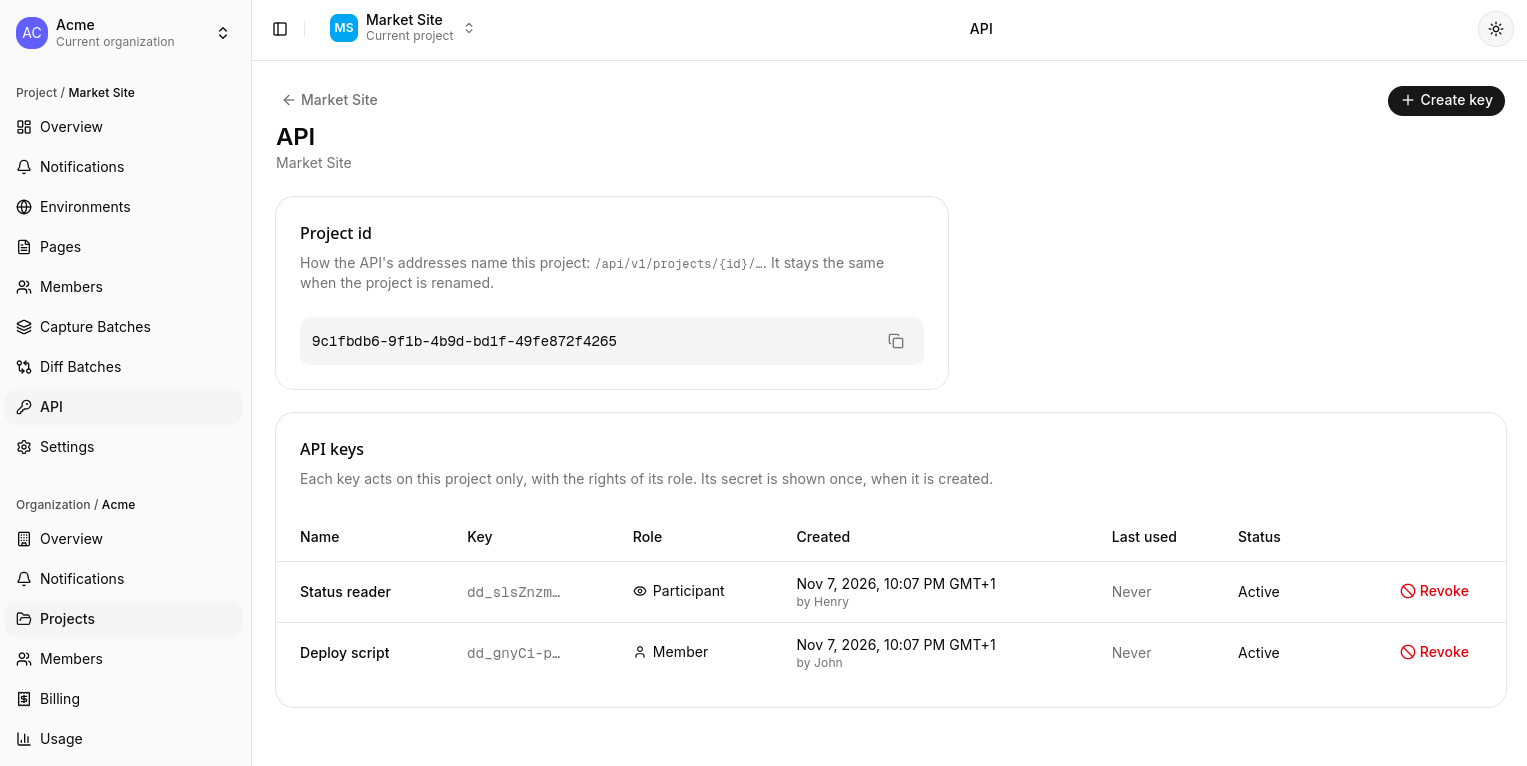
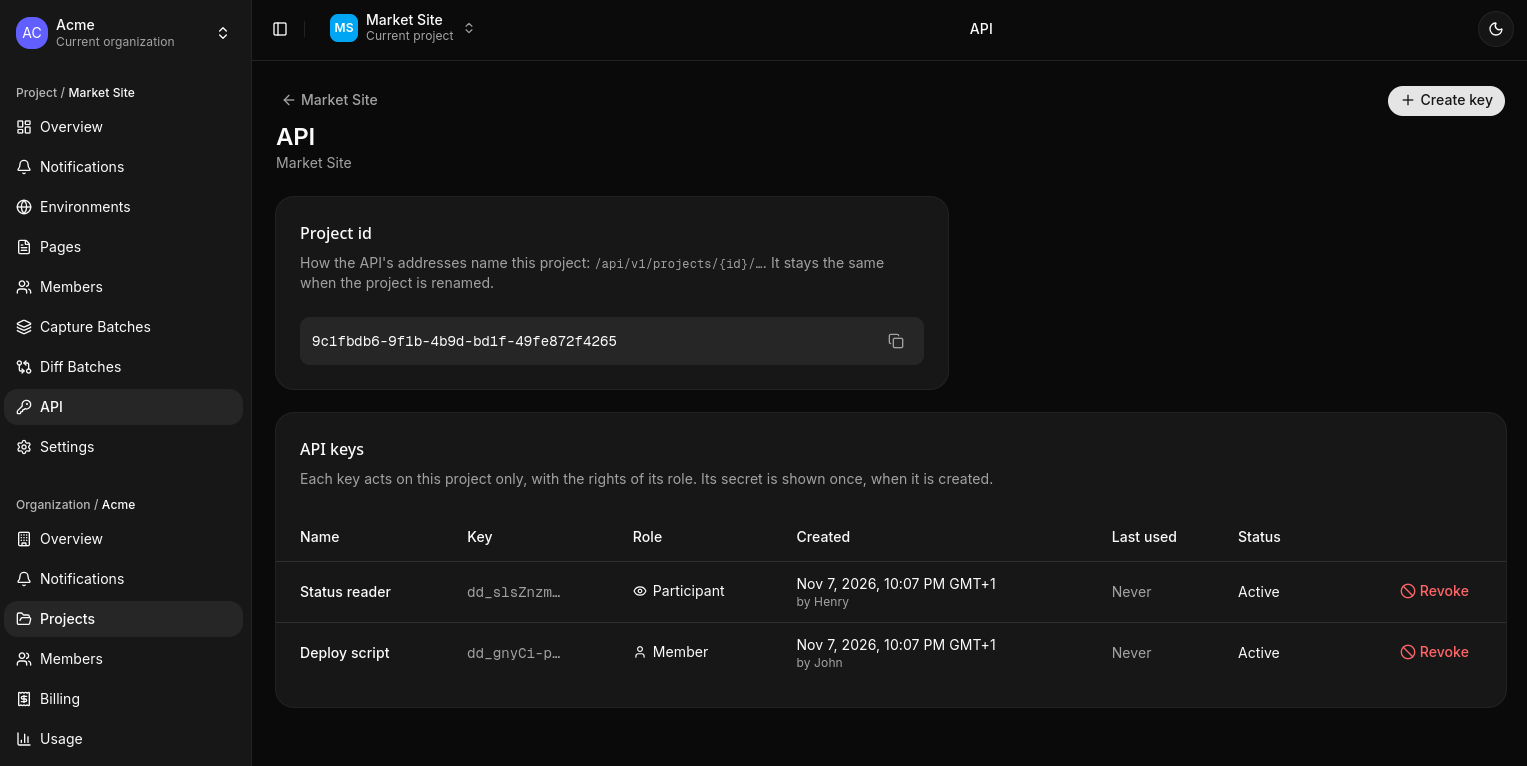
What a key starts shows up in the dashboard like any other batch, with API as its trigger. Owners and admins also see which key started it.
The same data as the dashboard
The API has no separate model to learn. It returns the JSON that each page of the dashboard already shows: open a capture batch, a comparison or a notification in the dashboard, and its JSON block is what the API answers for it. That makes it easy to write a script against: find the object in the dashboard, read its fields, then fetch it in code.
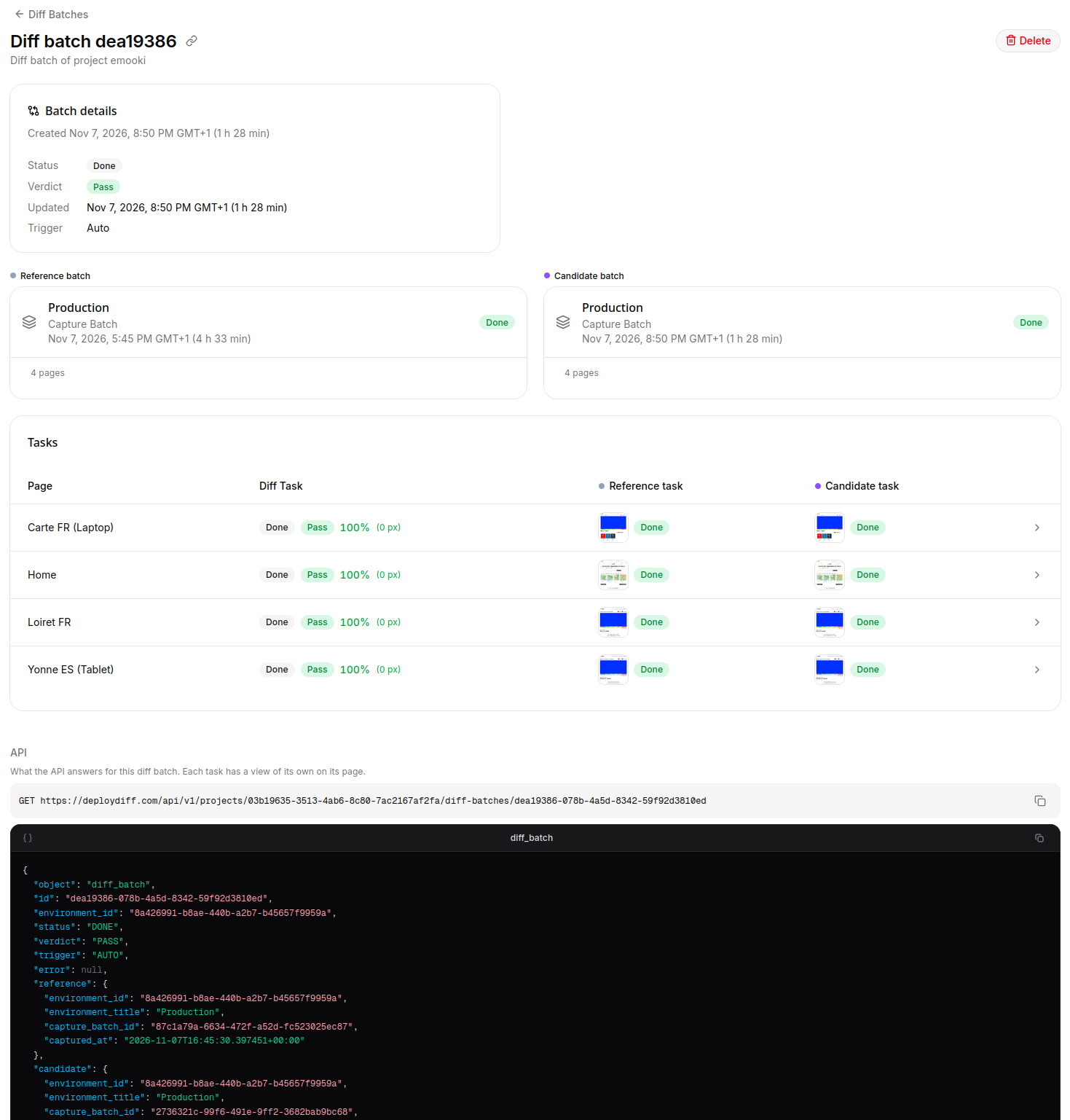
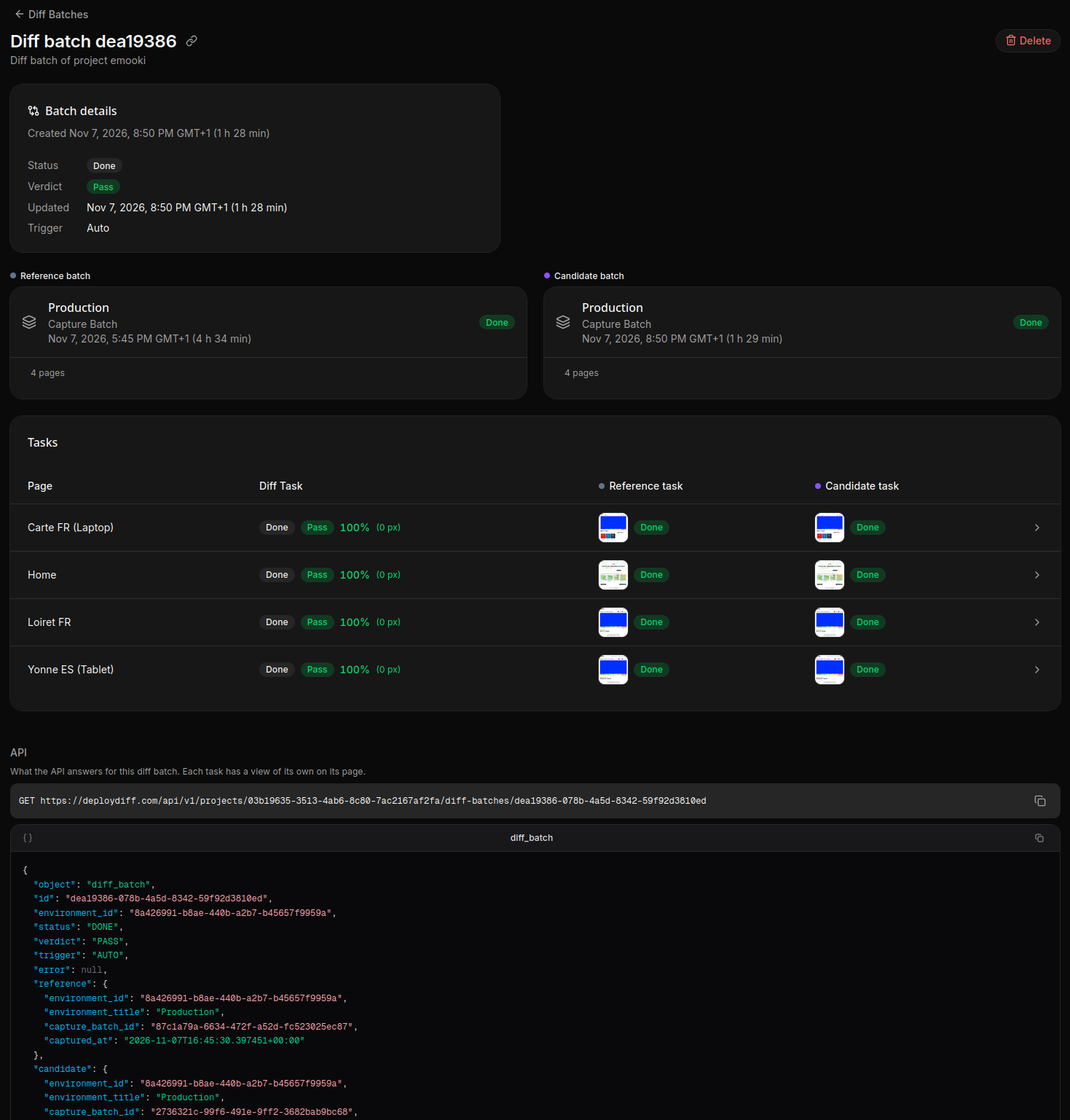
Every object names itself in an object field and carries its id. Screenshots and diff images come as signed URLs that expire. Every error the API answers has the same shape, a stable code to test and a message written for people.
What comes next
The API captures environments you have set up in advance. Two things build on it, and both are on the way:
- Captures on deploy: each newly deployed environment captured and compared, created on the fly from the call that reports it, so preview deploys are covered without setting each one up.
- A Vercel integration: deployments captured as they happen, without any script on your side.
Both are on our about page, and will get their own post when they ship.
Plans and billing
The API comes with the paid plans. Each successful call is billed at the published rate, and your usage page shows the calls hour by hour. The captures and comparisons a call starts are billed like any others.
Everything else is in the API documentation.
See what changed on every deploy
Start on the free Discovery plan, no credit card needed.